


We Used an AI to Rescue a 10-Year-Old Website — Here's Exactly How We Did It
Most small businesses have a ghost haunting their digital presence: an old website they can no longer log into, a database backup nobody knows how to open, or years of written content trapped on a platform that no longer exists. For dental offices, this is especially common — Joomla, Drupal, and early WordPress sites from the 2010s are full of valuable content about procedures, technology, and patient education that simply got left behind when the practice moved to a new site.
This is the story of how we used Claude AI — specifically Anthropic's Cowork desktop tool — to recover over 60 articles from a decade-old Joomla 2.5 database backup, convert them into a modern searchable web page, and wire it into a live Next.js website. No database server. No web developer. No manual copying and pasting. We're going to walk you through every step so you can do the same thing for your practice or business.
What Is Claude AI and Cowork?
Claude is an AI assistant made by Anthropic. Unlike a basic chatbot, Claude can read files on your computer, write and run code, browse directories, edit source files, and take multi-step actions to complete complex tasks — all from a simple conversation in plain English.
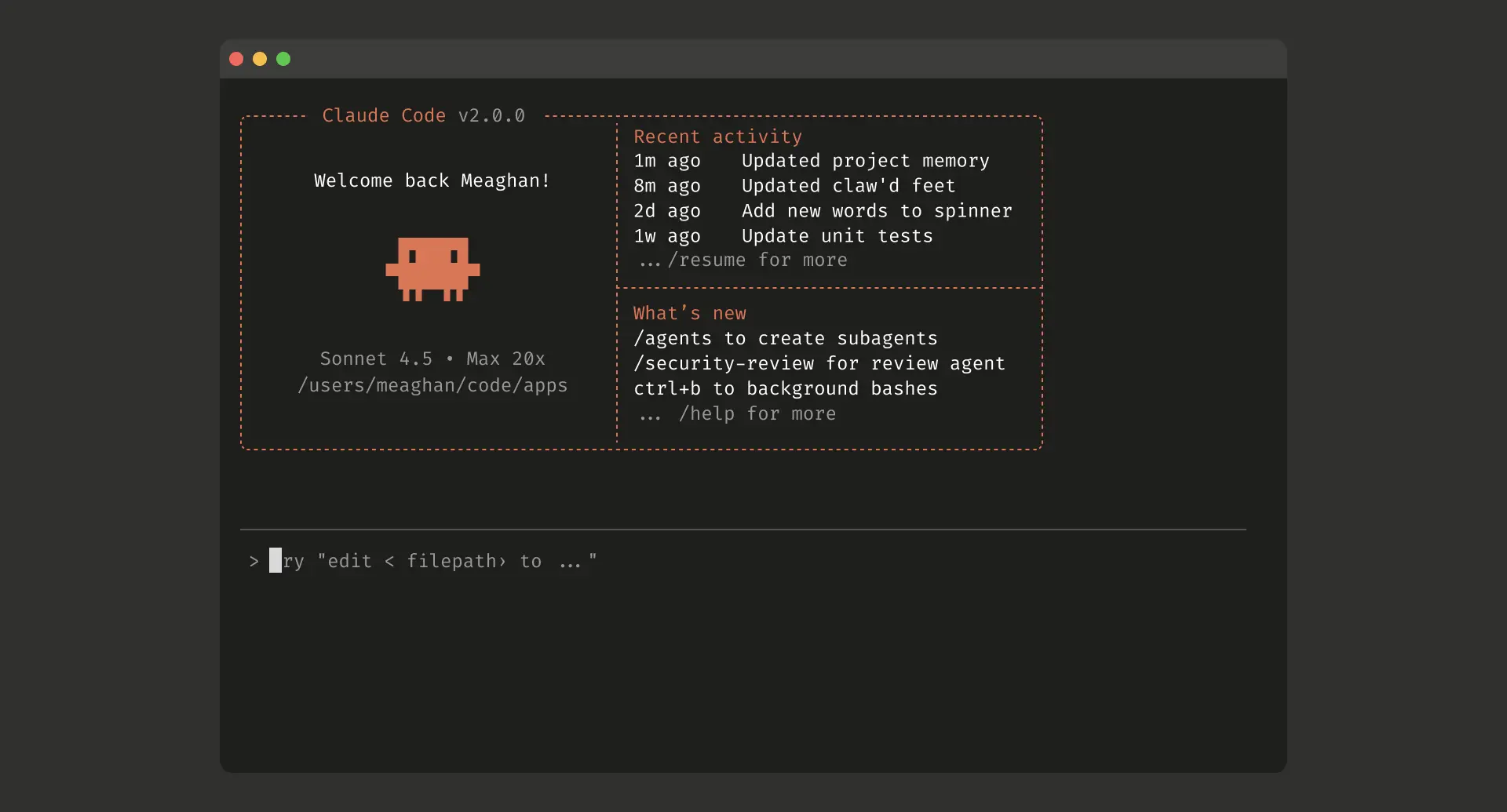
Cowork is Anthropic's desktop app that puts Claude directly on your Windows or Mac machine with access to your local files and a built-in Linux sandbox for running code. You connect a folder from your computer, describe what you want done, and Claude handles the rest. It's the closest thing to having a senior software engineer sitting next to you — one who never gets tired, never charges by the hour, and can read a 500-page MySQL binary file faster than you can open it.
The Problem: A Dead Joomla Database Full of Valuable Content
ShortCircuited.net ran on Joomla 2.5 for years. Over that time, dozens of articles were written about computer repair, dental IT, Windows troubleshooting, Cerec 3D software, HIPAA compliance, and more — real, useful content that ranked in Google and served readers. When the site was migrated to a modern Next.js stack, all of that content got left behind.
What remained was a raw MySQL database backup: a folder full of .MYD, .MYI, and .frm files — the low-level binary format that MySQL's MyISAM storage engine uses to save data. There was no running MySQL server to query, no phpMyAdmin, no SQL dump file. Just the raw binary table files sitting on a hard drive.
For most people — and most web agencies — this would be the end of the road. The content would be considered unrecoverable without significant technical effort. Claude treated it as a Tuesday afternoon.
Step-by-Step: How We Did It
Step 1 — Open Cowork and Connect Your Folder
The first step is connecting Claude to the data it needs to work with. In Cowork, you select a folder from your computer to share with the AI. Claude can then read, write, and run code against the files in that folder.
In our case, we pointed Claude at two folders: the MySQL backup directory (containing all the raw .MYD table files) and the live Next.js project directory. That gave Claude everything it needed to read the old data and write directly into the new site.
What you'd type: "Pull articles from the old SQL database at H:\Backups\mysql\shortcircuited and add them to the blog-posts page."
Step 2 — Claude Analyzes the Database Format
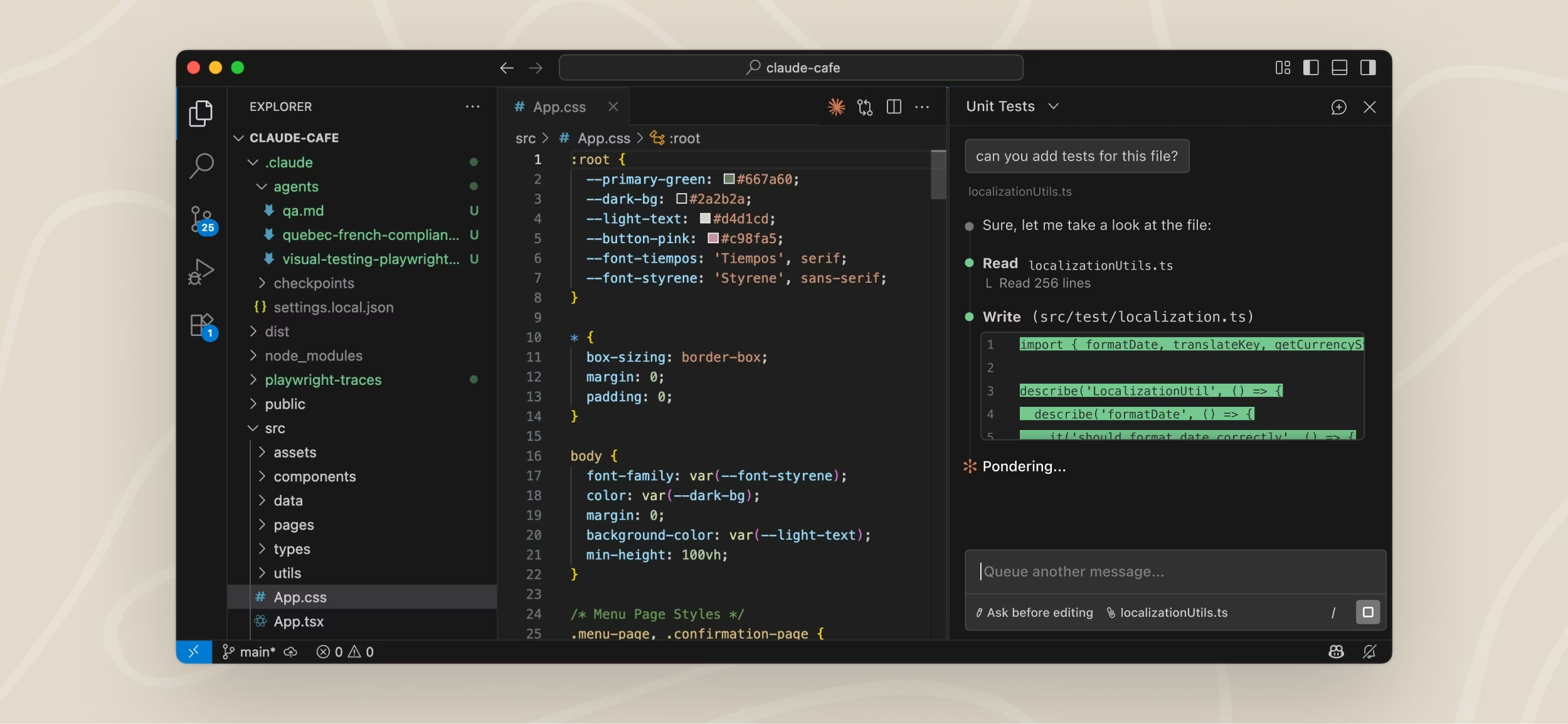
Claude identified the files as a Joomla 2.5 MyISAM database and immediately focused on j25_content.MYD — the table that stores article content in Joomla. Without a running MySQL instance, Claude wrote Python code on the spot to read the raw binary file and reverse-engineer the storage format.
This is where things get impressive. The MyISAM dynamic row format stores each record with length-prefixed fields — a single byte telling you how long the next string is, followed by that string. Claude analyzed known article titles in the binary data, cross-referenced byte positions, and confirmed the exact layout:
- 1 byte → length of the article title
- N bytes → the article title string
- 1 byte → length of the URL slug
- N bytes → the URL slug
- 2–3 bytes → content length indicator
- N bytes → the full HTML article body
No documentation. No running server. Just Claude reading raw hex and working out the format empirically. This took minutes, not days.
Step 3 — Extract and Clean All Articles
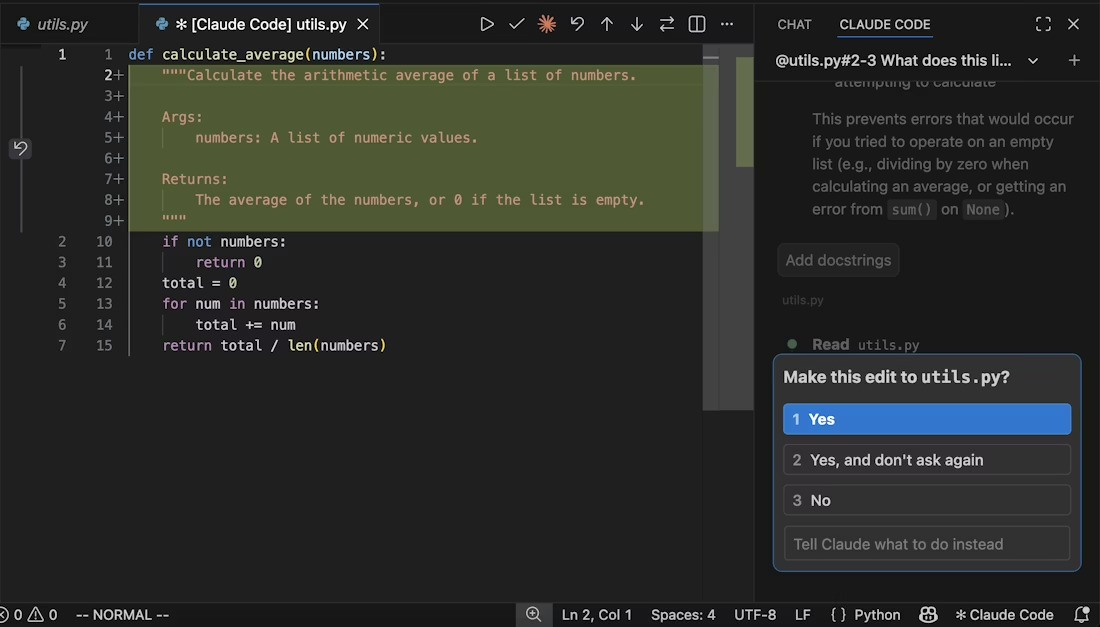
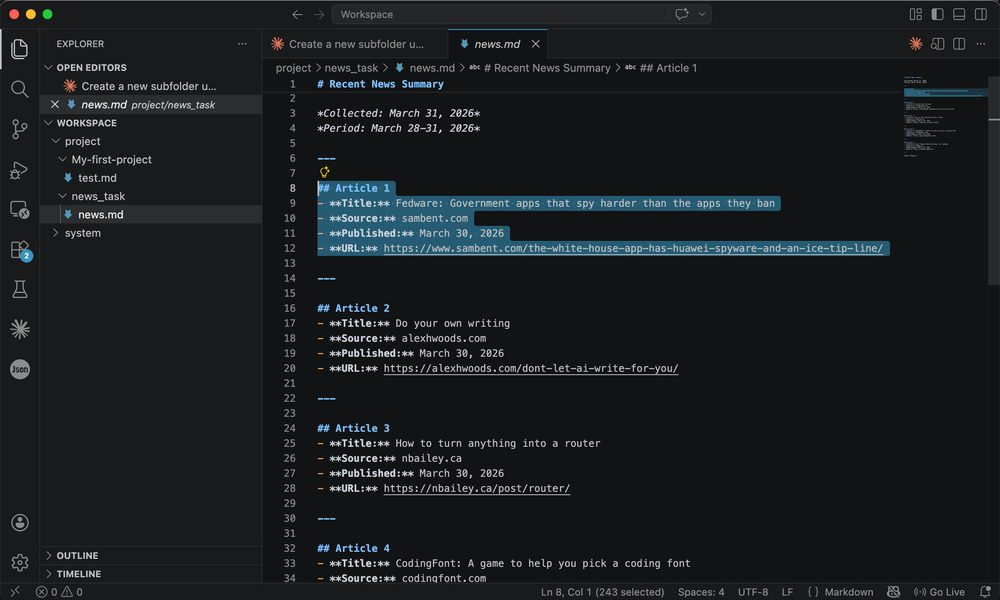
Once the format was understood, Claude wrote a parser that scanned the entire binary file and extracted every valid article — title, slug, and full HTML body. It filtered out Joomla template tokens like {nice1} and {fcomment}, stripped broken image paths, and fixed UTF-8 encoding artifacts that sneak in when older Latin-1 databases get read as Unicode.
The result: 63 clean articles recovered from a binary file that most tools couldn't even open, saved to a structured JSON file. Articles ranged from dental IT guides and Windows XP troubleshooting to Cerec 3D tutorials and HIPAA compliance write-ups — content that took years to produce.

Step 4 — Auto-Categorize the Content
Claude then sorted all 63 articles into seven categories automatically by analyzing each title and slug: Dental IT, Computer Help, How-To, Education, About / Services, Tech, and General. This categorization was used to power a filter UI on the front end — so visitors can immediately browse by topic rather than scrolling through a flat list.
For a dental practice's website, this kind of automated organization is enormously valuable. Patient education articles, technology explainers, and service pages can all be sorted and surfaced without anyone manually tagging anything.
Step 5 — Build a React Archive Page
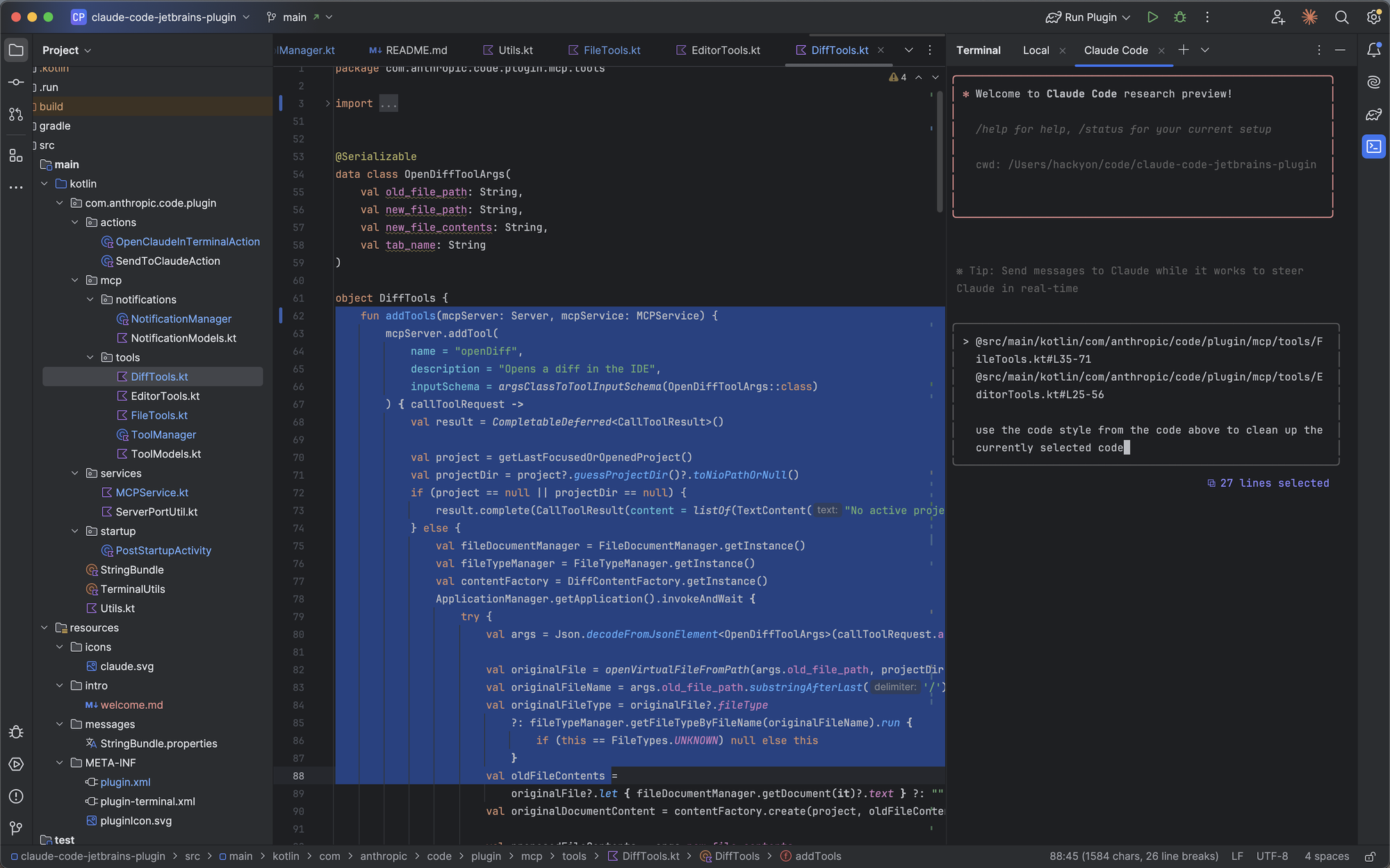
With the data clean and categorized, Claude built a complete React .jsx component — a full blog archive page with:
- A live search bar that filters articles by title and full content as you type
- Category filter pills — click Dental IT to see only dental articles, click Computer Help for PC guides
- A card grid layout showing each article title and a plain-text preview snippet
- A modal reader — click any card and the full article opens in an overlay without leaving the page
The component embedded all 63 articles directly as a JSON array, so it requires no database, no API, and no backend — it's a fully self-contained static page that works out of the box in any Next.js project.
Step 6 — Wire It Into the Live Site
The last step was connecting the new archive page to the existing website navigation. Claude found the Footer component at components/_App/Footer.js, read it, and added a "Blog Posts" link under the Company section — pointing to the new /shortcircuited-articles route. One file edit, surgical and precise, without touching anything else.
Start to finish, the entire process — database analysis, article extraction, React page build, and footer update — took a single working session. No developer hired. No agency quoted. No data lost.
What This Means for Your Dental Practice
The dental industry generates a surprising amount of digital content over the years: patient FAQ pages, procedure explainers, blog posts about new technology, HIPAA policy notices, before-and-after guides. When practices migrate from one website platform to another, that content is almost always orphaned.
With AI tools like Claude, none of that has to stay lost. Whether your old content is in a Joomla database, a WordPress export, a collection of Word documents, or even a stack of PDFs, Claude can read it, reorganize it, and publish it on a modern website — in a format that's fast, searchable, and good for SEO.
Beyond content recovery, AI-assisted web development means dental offices can make incremental improvements to their site on an ongoing basis without paying agency retainers. Need a new service page? A pricing table? A patient intake form? Describe it to Claude, connect it to your project folder, and it builds it — in your existing code style, using your existing components.
A Quick-Start Guide: Using Claude to Upgrade Your Own Site
Here's the condensed version if you want to try this yourself. These steps apply whether you're recovering old content, adding new pages, or updating navigation across your site.
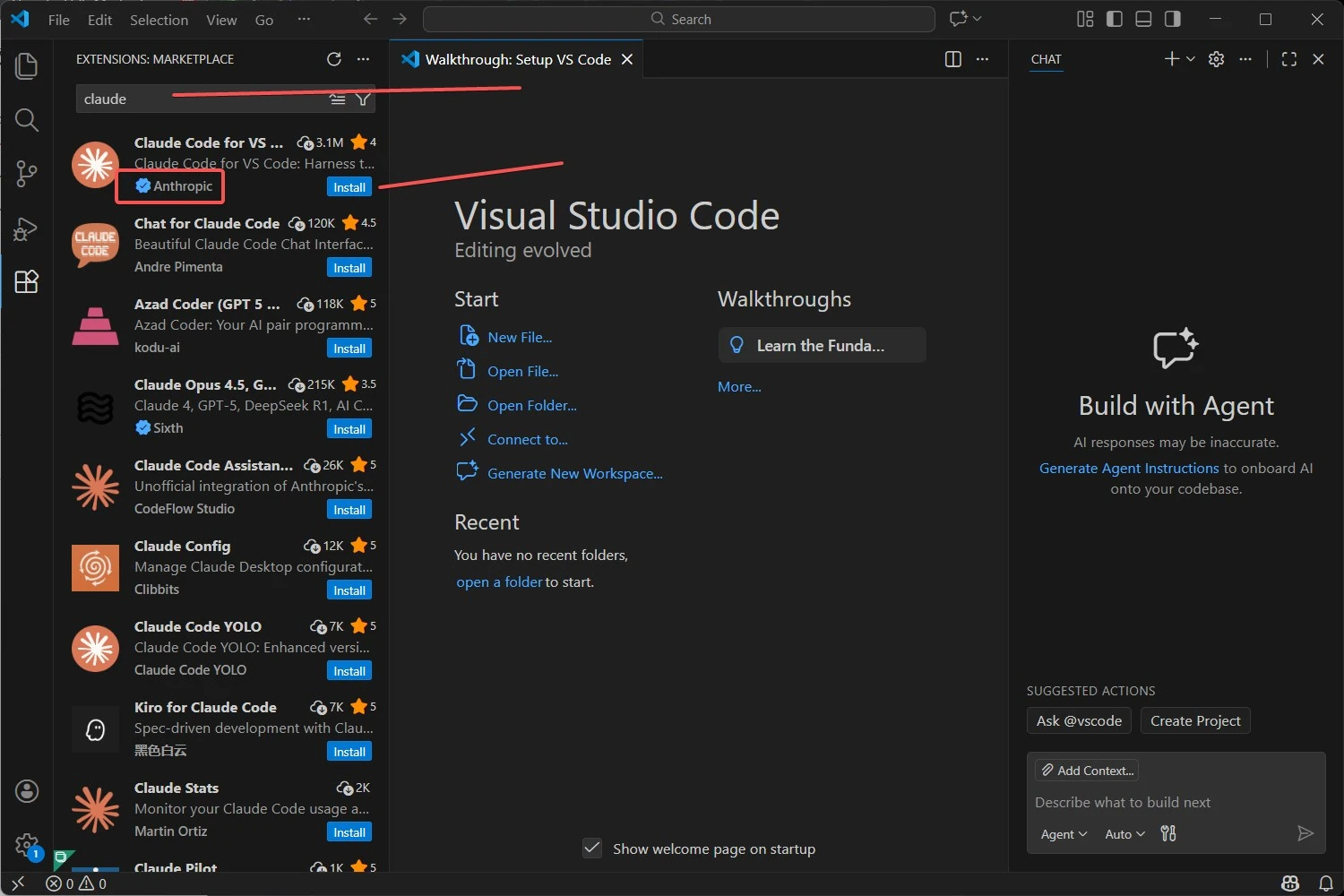
- Download Claude's Cowork desktop app from claude.ai. Sign in with an Anthropic account. No coding experience required to get started.
- Connect your project folder. In Cowork, select the folder on your computer that contains your website code. Claude will have read and write access to everything inside it.
- Describe the task in plain English. You don't need to know technical terms. "I have old database files in this folder — pull out the articles and make a page for them" is a complete and sufficient instruction.
- Let Claude analyze the structure first. Before writing any code, Claude will read your existing files to understand your component structure, naming conventions, and coding style. This is critical — it means anything Claude produces will match your existing site, not look like it was pasted in from somewhere else.
- Review before deploying. Claude will show you what it's creating and explain its reasoning. Read through the output, ask follow-up questions, and request changes before pushing anything live. The AI is a collaborator, not an autopilot.
- Iterate. Once the first piece is done, keep going. "Now add a link to that page in the footer." "Make the cards show the category in a colored badge." "Add a back-to-top button." Each instruction builds on the last.
What Claude Can and Can't Do
Claude is exceptional at reading code, understanding file structures, writing correct React/JavaScript/Python, and making targeted edits to existing files. It can work through genuinely complex problems — like reverse-engineering a binary database format — with a level of rigor that matches a senior engineer.
What it's not: a replacement for judgment about your business, your brand, or your patients. The AI produces technically correct output, but you need to decide what your site should say, which articles are worth recovering, and how your practice should present itself. Think of Claude as the best contractor you've ever hired — one who executes flawlessly, but still needs a client to give direction.
The SEO Angle: Why This Matters for Dental Practices Right Now
Google continues to reward sites that publish consistent, authoritative, and detailed content — particularly in the healthcare and local services space. A dental practice that has 60+ articles about procedures, patient education, and local IT support is going to outrank a practice with a five-page brochure site, all else equal.
The content you wrote years ago still has value. Patient questions about Cerec same-day crowns, HIPAA compliance after a ransomware attack, or what to expect from a dental CT scan — those searches are still happening every day. Recovering that content and publishing it on a fast, modern, indexed site brings it back into the conversation.
How Shortcircuited Robotics Can Help
We're not just an IT company that fixes broken computers and patches networks. We've been building and maintaining websites for dental offices and small businesses in Brooklyn and New York since 2003. We understand the full stack: the hardware your Dentrix server runs on, the network that connects your operatories, and the website that patients find you on.
If your practice has old content you want to recover, a website that needs modernizing, or new pages you want to add without hiring an agency, we can handle it — now with AI-assisted development that moves faster and costs less than traditional web work. We can also set up and configure Cowork so your office manager or front desk can make basic site updates themselves, without touching code.
Ready to Modernize Your Website? Let's Talk.
Whether you want to recover lost content, rebuild an outdated site, or just add a few missing pages, contact Shortcircuited Robotics and we'll put together a plan. We offer free assessments for dental offices in Brooklyn, Manhattan, and the surrounding boroughs.
Also see our full article archive — 63 articles recovered from our old Joomla site, now searchable and live on this one. That archive is exactly what we built in the session this post describes.
And if you're a dental office evaluating AI tools for clinical use — X-ray analysis, scheduling, patient communication — read our companion piece: Artificial Intelligence in the Dental Office. The IT infrastructure that supports those tools is the same infrastructure that keeps your whole practice running.